 Quantum Web Studios
Small Business Automation: Which Workflows to Automate First (and What to Leave Alone)
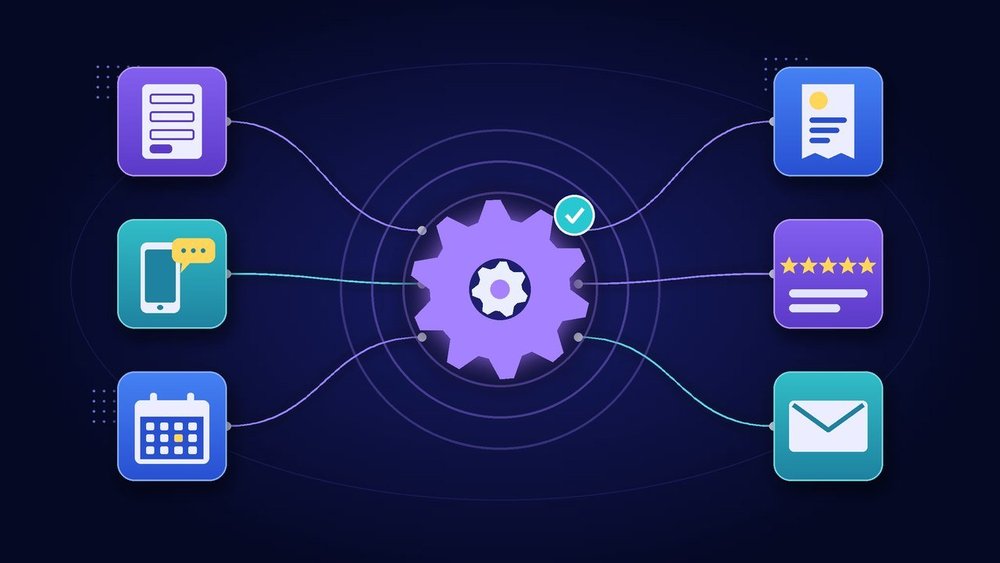
A new lead fills out your website form on a Friday night. Nobody sees it until Monday. By then, they've booked with someone else.
That's not a marketing problem. It's a workflow problem, and it's the kind small business automation fixes best. Not by replacing people, but by making sure the routine next step happens every time, even when you're busy, off the clock or on a job site.
The hard part isn't finding automation tools. It's knowing what to automate first, what to leave alone, and how to roll it out without creating a new mess. This guide walks through all three.
What Small Business Automation Actually Means
Workflow automation means a defined trigger causes a defined action without someone having to remember it. When a form is submitted, then create a contact and send a confirmation. When an invoice is three days overdue, then send a polite reminder.
Most tools work this way. Zoho, for example, describes workflow rules in Zoho CRM as actions such as email notifications, tasks and field updates that run when specified conditions are met. Rules can fire when a record is created or edited, or on a date, like a week before a deal's expected close.
We've written before about why SEO and automation work best together: SEO brings people in, and automation keeps them engaged. This post is the practical follow-up, a short list of the specific workflows worth building first.
The Six Workflows to Automate First
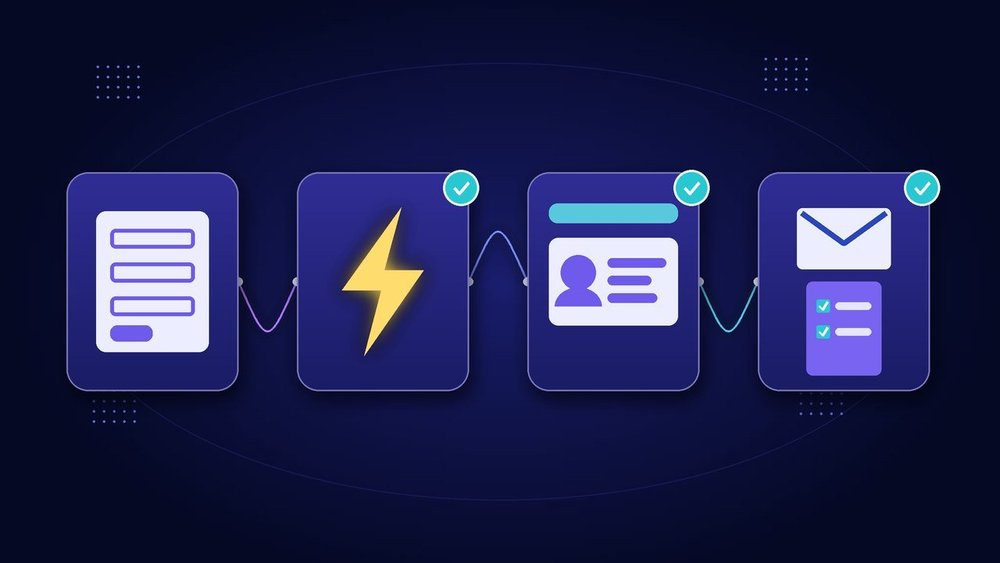
A good first automation is frequent, repetitive and costly when forgotten. These six usually qualify.
1. Lead capture to CRM
Every website form, booking request and inquiry email should land in one place automatically, as a contact or lead record, with the source noted. Then a rule can assign it to someone, create a follow-up task and send the person a confirmation that you received their message.
If you don't have a CRM yet, start there. Our guide to setting up Zoho CRM for a small business covers the basics, from pipelines to fields.
2. Missed-call text back and call answering
Calls that go to voicemail are often leads that never call back. Two common fixes:
- Call answering: an answering service or AI receptionist picks up, answers common questions and captures the caller's details. We covered how that works in our post on the AI receptionist for small business.
- Missed-call text back: if a call is missed, the caller gets a short text saying you'll call back and offering a booking link.
Texting has rules. Under the FCC's TCPA regulations (47 CFR 64.1200), marketing calls and texts sent with an autodialer to wireless numbers generally require the recipient's prior express written consent. People can revoke consent by any reasonable means, including replying "stop," "quit," "end," "revoke," "opt out," "cancel" or "unsubscribe," and revocations must be honored within a reasonable time not to exceed ten business days. Keep texts informational, honor opt-outs automatically, and check with an attorney before sending anything promotional.
3. Appointment booking and reminders
Back-and-forth scheduling emails are pure busywork. An online booking page lets customers choose an open slot that syncs to your calendar. Tools like Zoho Bookings say customers get a confirmation with appointment details plus automated reminders. Add a reminder the day before and a short "running late?" contact option, and no-shows get easier to manage.
4. Invoice and payment follow-up
Nobody enjoys chasing payments, which is exactly why it gets skipped. Set up automatic reminders before the due date, on the due date and a few days after, then escalate to a person if the invoice is still unpaid. Make sure every payment and invoice is recorded properly, too. The IRS notes that good records help you monitor the progress of your business, prepare your financial statements and support items reported on your tax returns.
5. Review requests
After a job is marked complete, send a short message asking how it went, with a link to leave a review. Timing matters: ask while the experience is fresh.
Keep it honest. The FTC's rule on consumer reviews and testimonials prohibits fake reviews and offering incentives conditioned on a positive or negative review. Don't build an automation that only asks happy customers or rewards five-star ratings. For the Google side, see our Google Business Profile guide.
6. Onboarding emails
When someone becomes a customer, the same questions come up every time: what happens next, what you need from them and who to contact. A short welcome sequence of two or three emails over the first week answers them before they're asked.
Know which emails are which. The FTC's CAN-SPAM compliance guide explains that a "transactional or relationship message," like an update to an existing customer, is exempt from most CAN-SPAM provisions. Commercial email must include a valid physical postal address and a working opt-out that's honored within 10 business days. If your onboarding sequence starts promoting upgrades, treat it as marketing. Send from your own domain, too. Here's why a custom business email matters.
How to Choose Automation Tools
You don't need the most powerful platform. You need one that fits the tools you already use. Ask four questions:
- Does it connect to what we already have? Check your CRM, email, calendar, website and accounting tools. Zoho describes Zoho Flow as an integration platform that connects 1,000+ cloud and on-premises apps. Zapier-style connectors work the same way: pick a trigger in one app and an action in another.
- Can we use what's built in first? Many CRMs, booking tools and invoicing apps already include reminders and rules. Built-in automations are usually simpler to maintain than a chain of connectors.
- Can we see when something fails? Look for run history and error alerts. Zoho Flow, for example, lists troubleshooting features that let you restart workflows or rerun specific parts.
- Who owns it? Every automation needs a named person who knows what it does and gets the alert when it breaks.
Security matters, because automations hold the keys to your accounts. NIST's small business guidance on multi-factor authentication warns that passwords alone aren't effective for securing your most sensitive business assets. Turn on MFA for every tool you connect, and remove access when someone leaves.
What Not to Automate
Automation magnifies whatever process it's given, including a bad one. Keep these human, or at least keep a person in the loop:
- A process you haven't defined. If your team does it three different ways, automating it locks in the confusion. Write the steps down first.
- Sensitive or emotional conversations. Complaints, cancellations, billing disputes and bad news deserve a real person.
- Final decisions with real consequences. Refunds, pricing exceptions, hiring and anything legal or financial should go to someone for approval.
- Rare tasks. If it happens twice a year, a checklist is cheaper than an automation.
- Messages without consent. Don't add people to text or email marketing just because their number or address ended up in your CRM.
A Simple Four-Week Rollout Plan
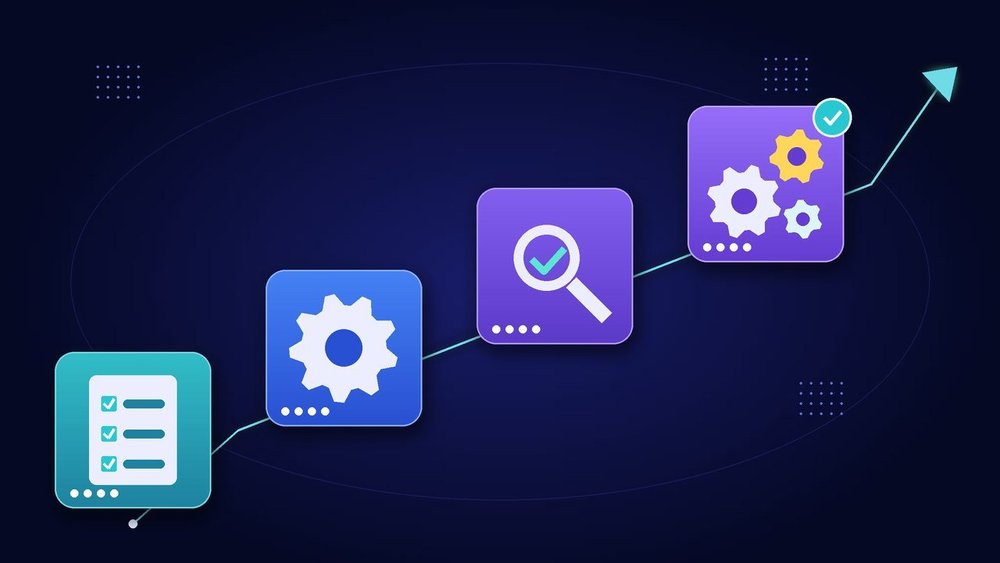
Go one workflow at a time. Trying to automate everything at once is how businesses end up with broken zaps nobody understands.
- Week 1, Map it. Pick one workflow from the list above, usually lead capture. Write down the trigger, every step, who's responsible and what "done" looks like.
- Week 2, Build one. Set it up using built-in features where possible. Keep the messages short, plain and written in your own voice.
- Week 3, Test it. Submit test leads, book test appointments and trigger every branch. Check that records land in the right place, notifications reach the right person and opt-outs actually work.
- Week 4, Launch and watch. Turn it on, review the run history every few days and fix what breaks. Once it's stable, document it and choose the next workflow.
Then repeat. Over a few months, a handful of reliable automations will do more for you than a dozen fragile ones. Pair them with a website that works like your hardest-working employee, and leads stop slipping through the cracks.
How Quantum Web Studios Can Help
If you'd rather not build it yourself, we can set it up with you. These are published on our web design and services page:
- Zoho Business Foundation ($3,000 one-time): includes CRM with one sales pipeline, Forms intake, email connection and up to 5 standard automations, plus an onboarding session. Need more? Zoho Connected Business is $4,500 one-time with up to 10 standard automations total, and the Zoho Business Operations Suite is $6,500 one-time with up to 15. You pay the Zoho software subscriptions directly.
- AI Voice Answering ($199/month): a dedicated number with 24/7 AI voice answering, up to 1,000 minutes per month.
- Website Chatbot Starter ($1,000 build + $99/month): trained on your FAQs and core pages to answer common questions 24/7 and capture leads.
- Custom Automation Projects (custom quote): for workflows that don't fit a package, with requirements, scope and price agreed before work.
For owner-led businesses that want the whole operation connected, our AI Business Operators packages start with Launch at a $12,500 one-time build and $375/week, including CRM setup and core workflow automation for intake and follow-up (3-month minimum, then week to week).
Frequently Asked Questions
What should a small business automate first?
Start with lead capture to your CRM. It's frequent, it's easy to measure, and every other workflow, from follow-up to reviews, depends on having clean contact records in one place.
Do I need Zapier or Zoho Flow to automate my business?
Not always. Many CRMs, booking tools and invoicing apps include built-in rules and reminders. Use those first. Integration tools like Zoho Flow or Zapier-style connectors make sense when you need two separate apps to talk to each other.
Is it legal to send automatic text messages to customers?
It can be, but texting is regulated. The FCC's TCPA rules generally require prior express written consent for marketing texts sent with an autodialer, and opt-outs like replying "stop" must be honored within ten business days. Talk to an attorney before sending promotional texts.
Will automation make my business feel impersonal?
Only if you automate the wrong things. Automate the routine confirmations, reminders and handoffs so you have more time for the conversations that need a person.
How long does it take to set up workflow automation?
A single, well-defined workflow can often be mapped, built and tested in a few weeks. Following the four-week plan above, one at a time, keeps each launch manageable.
Find Your First Workflow to Automate
Not sure where your leads, appointments or payments are slipping through the cracks? Book a free 30-minute Readiness Call. We'll walk through how work moves through your business today, point out the one or two workflows worth automating first, and tell you honestly if a simple checklist would do the job instead.